6 / 3D interaction6.1 Interaction design

6

3D interaction

Selection, manipulation and application control

Étienne Peillard
IMT Atlantique

6 / 3D interaction6.1 Interaction design

Course outline

Interaction design

6.1

Selection

6.2

Manipulation

6.3

Modalities and physical supports

6.4

Control and evaluation

6.5

6 / 3D interactionPart 1 of 5

6.1

Interaction design

6 / 3D interaction6.1 Interaction design

Three families of 3D interaction

Object manipulation

Select and transform

Navigation

Change viewpoint or scale

Application control

Change tools, modes and parameters

6 / 3D interaction6.1 Interaction design

Norman’s action cycle

  1. GoalWhat do I want?
  2. ExecutionPlan, specify and perform
  3. PerceptionObserve the result
  4. EvaluationInterpret and compare
6 / 3D interaction6.1 Interaction design

Principles of interaction design

Visibility

Available actions and current state

Affordances and mappings

What appears possible and how it works

Feedback and constraints

Consequences and error prevention

6 / 3D interaction6.1 Interaction design

Direct manipulation

Continuous representation

The object remains perceptible

Incremental action

Effects appear during the movement

Reversibility

Actions can be corrected

6 / 3D interaction6.1 Interaction design

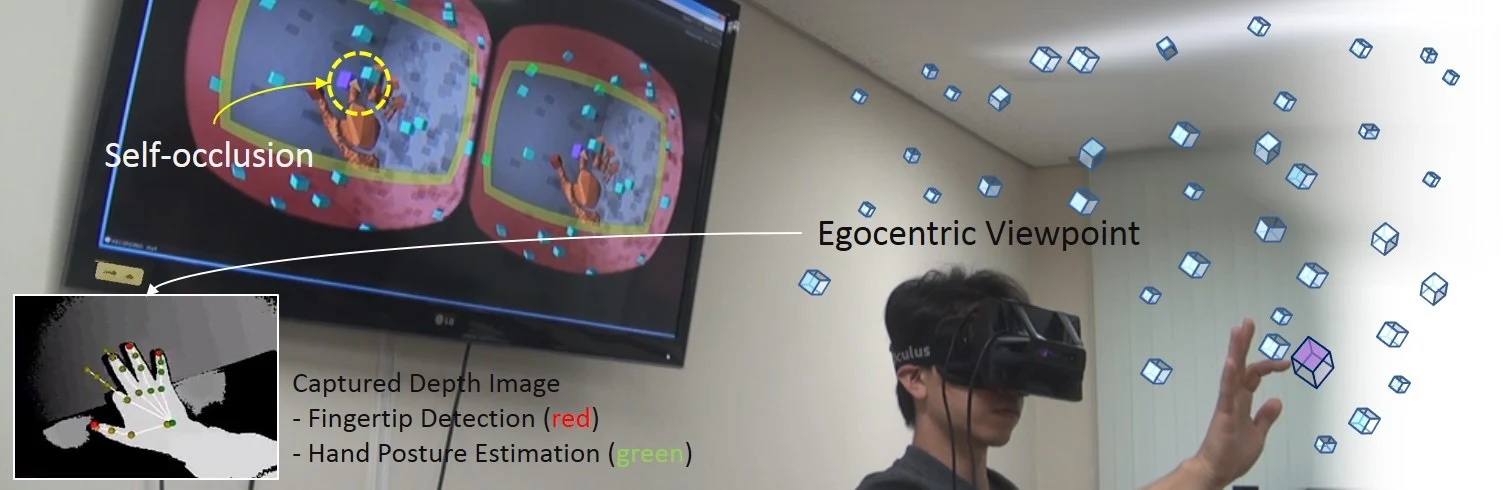
Natural interaction and extended ability

Natural mapping

Use familiar bodily skills

Extended mapping

Overcome reach or scale limits

Tradeoff

Learnability, control and task performance

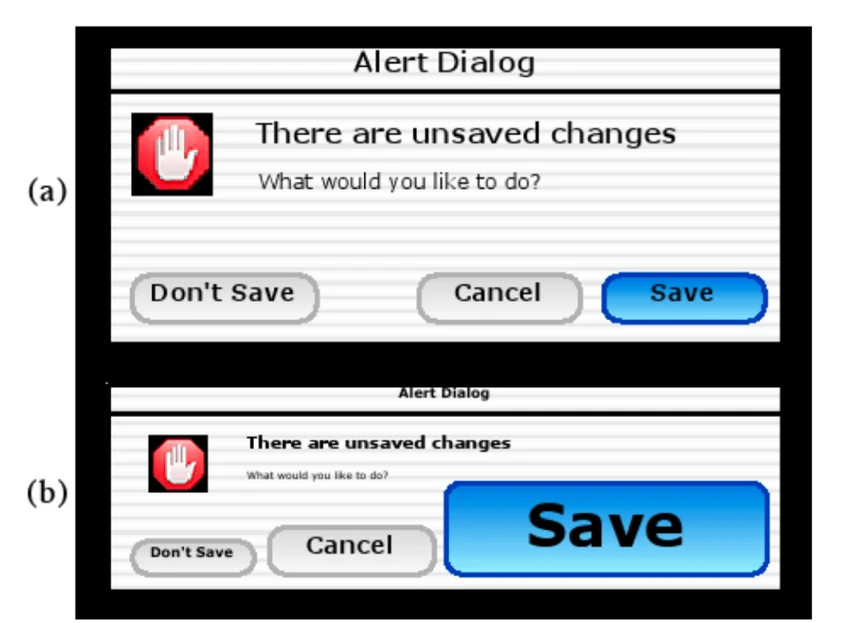
Design fiction and the constraints of tracked interfaces
6 / 3D interaction6.1 Interaction design

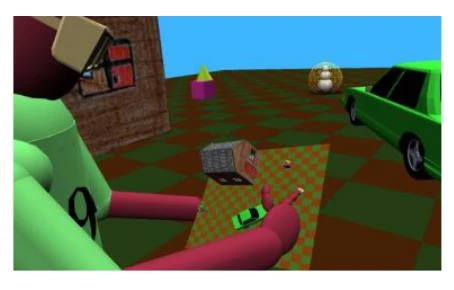
World Builder: interaction analysis

6 / 3D interaction6.1 Interaction design

Why interaction in 3D is difficult

Perception

Depth, occlusion and object density

Motor control

Precision, tremor and fatigue

Interface knowledge

Tools, modes and unfamiliar conventions

Spatial complexity in 3D interaction
6 / 3D interactionPart 2 of 5

6.2

Selection

6 / 3D interaction6.2 Selection

Selection and transformation

  1. IndicateIdentify a candidate
  2. ConfirmChoose the intended object
  3. AttachEstablish a control relation
  4. TransformMove, rotate or resize
6 / 3D interaction6.2 Selection

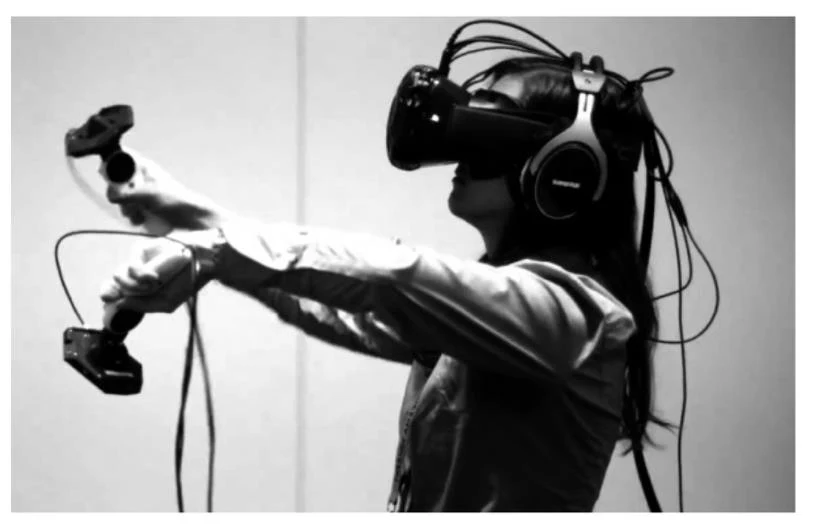
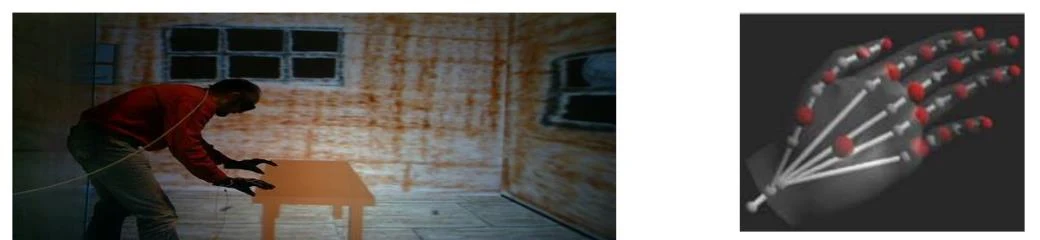
The virtual hand

Mapping

Tracked hand to virtual hand

Selection

Contact or overlap near the object

Constraint

Physical reach and missing contact forces

Near-object manipulation
6 / 3D interaction6.2 Selection

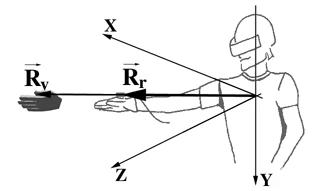
Go-Go interaction

Near the body

Approximately direct movement

Beyond a threshold

Reach grows nonlinearly

Result

Access to distant objects

Go-Go: the physical and virtual reach relation
6 / 3D interaction6.2 Selection

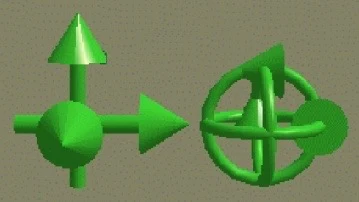
A 3D cursor

Position control

Input specifies location

Rate control

Input specifies velocity

Clutching

Reposition input without moving the cursor

Translation and rotation cursor controls
6 / 3D interaction6.2 Selection

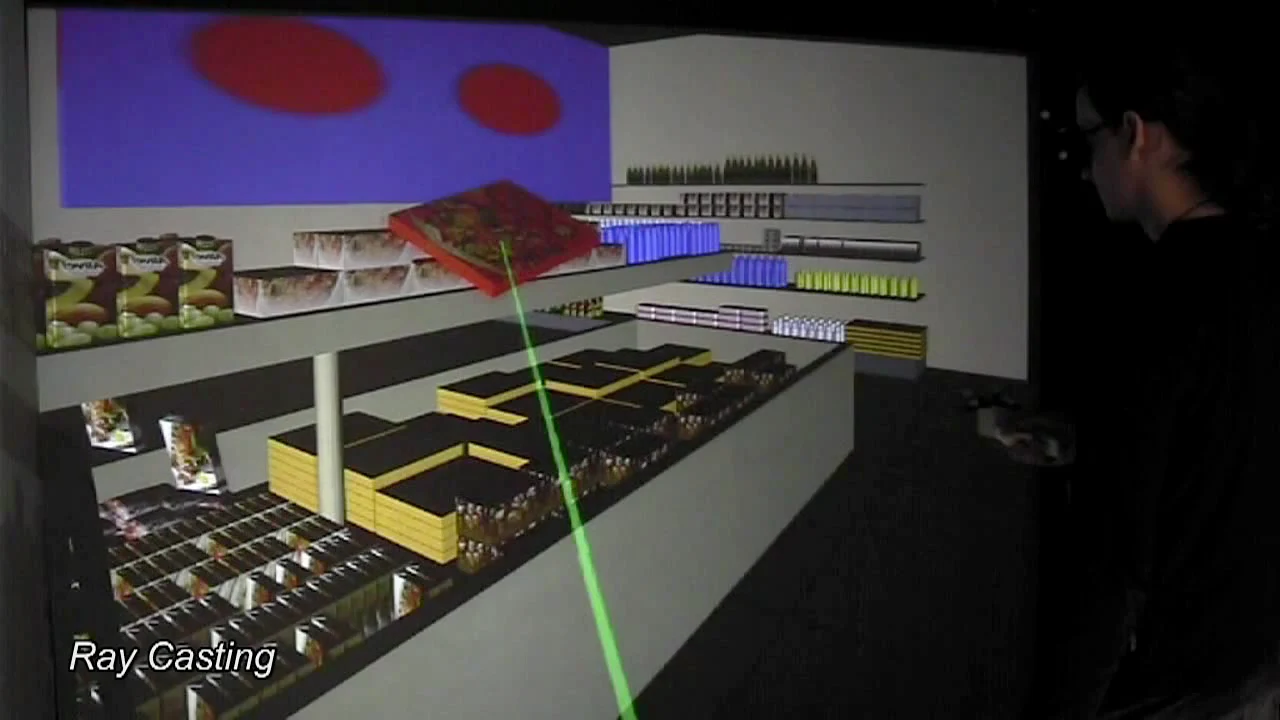
Ray casting

Origin and direction

A pointing device defines a ray

Candidate

The ray intersects a target

Confirmation

A button, gesture or other action

A virtual ray for distant selection
6 / 3D interaction6.2 Selection

Ray casting and image-plane interaction

6 / 3D interaction6.2 Selection

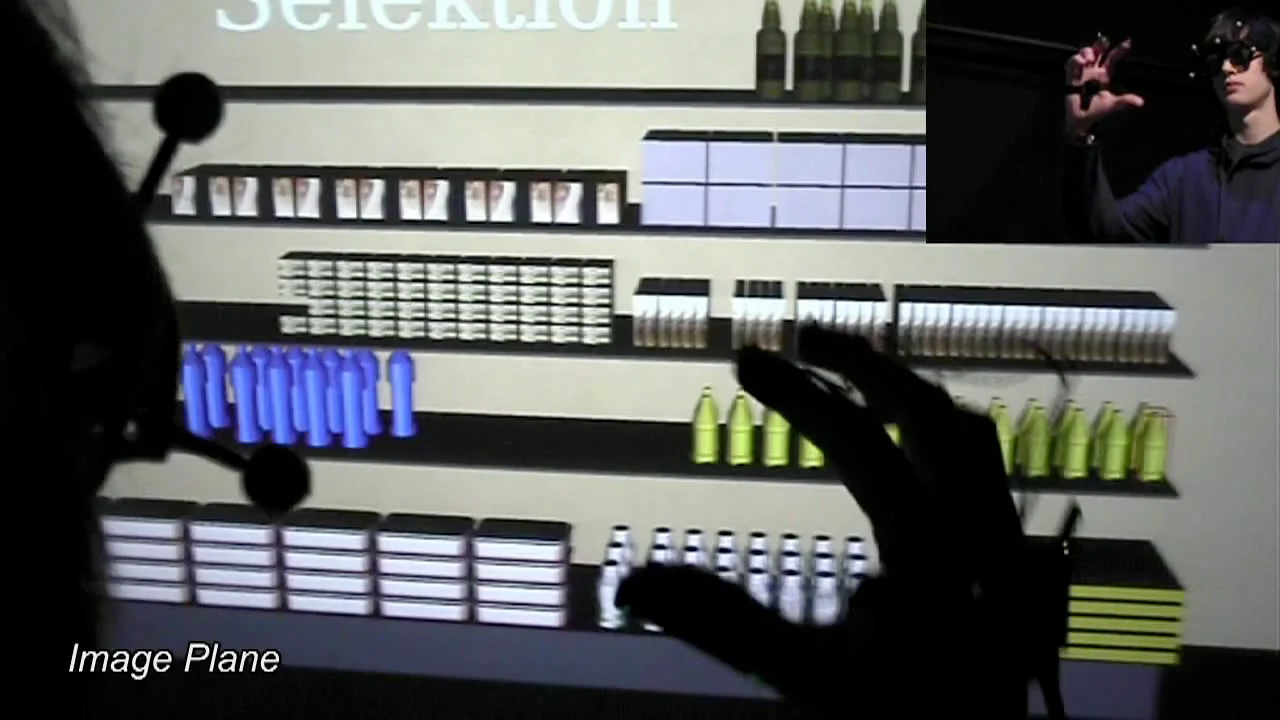
Selection in the image plane

Projection

Objects as seen from the user

Alignment

A finger or hand indicates an image location

Depth ambiguity

Several objects may share the direction

Image-plane interaction
6 / 3D interaction6.2 Selection

Ray casting and image-plane interaction

6 / 3D interaction6.2 Selection

Fitts’ law and pointing

MT = a + b log₂(1 + D / W)
Distance D

Travel to the target

Width W

Tolerance for error

Index of difficulty

A model of the speed–accuracy relation

DWStartTargetMovement timedepends on distance and width
6 / 3D interaction6.2 Selection

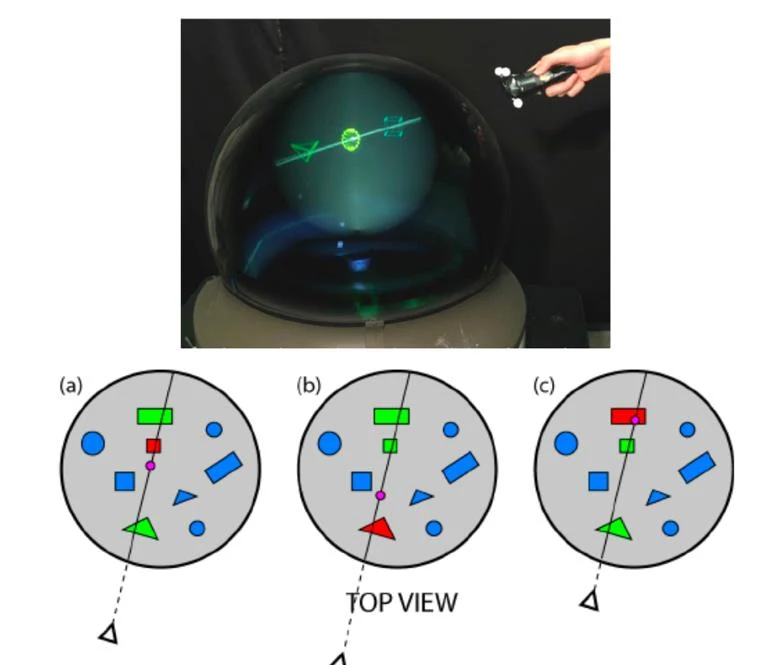
Ambiguity in distant selection

Occlusion

A visible ray meets the wrong surface

Dense scenes

Several plausible targets

Depth

Targets overlap along a direction

Selection disambiguation examples
6 / 3D interaction6.2 Selection

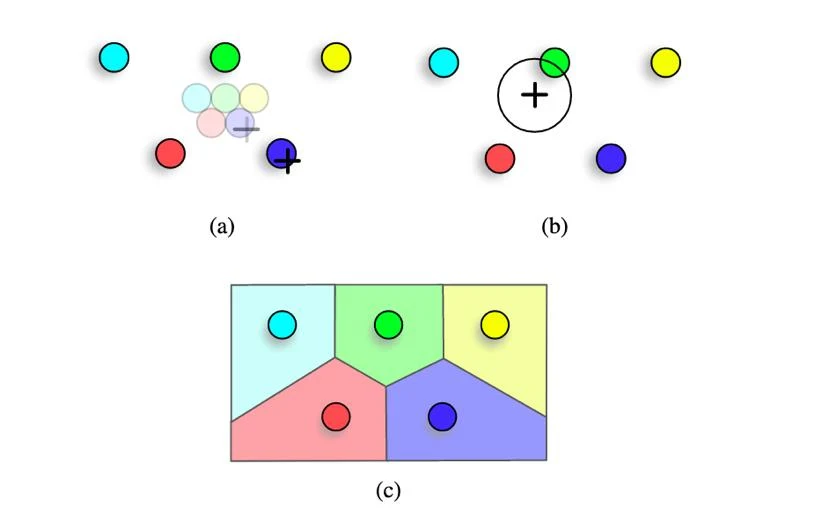
Adaptive and staged selection

Bubble selection

A region adapts around a candidate

Two-stage selection

Coarse acquisition, then precise choice

Semantic selection

Use task-relevant knowledge

A bubble-based 3D selection demonstration
6 / 3D interaction6.2 Selection

Bubble selection in 3D

6 / 3D interaction6.2 Selection

Other ways to select

A menu

Choose an explicit named target

Voice and pointing

Combine identity and direction

World in miniature

Select through a spatial proxy

Selection through an alternative representation
6 / 3D interactionPart 3 of 5

6.3

Manipulation

6 / 3D interaction6.3 Manipulation

Manipulation degrees of freedom

Translation

Three positional dimensions

Rotation

Three orientation dimensions

Scale

An additional application parameter

6 / 3D interaction6.3 Manipulation

Selection versus manipulation

Distant acquisition

A ray can find an object

Precise transformation

A near-hand mapping can help

Transition

Control must change predictably

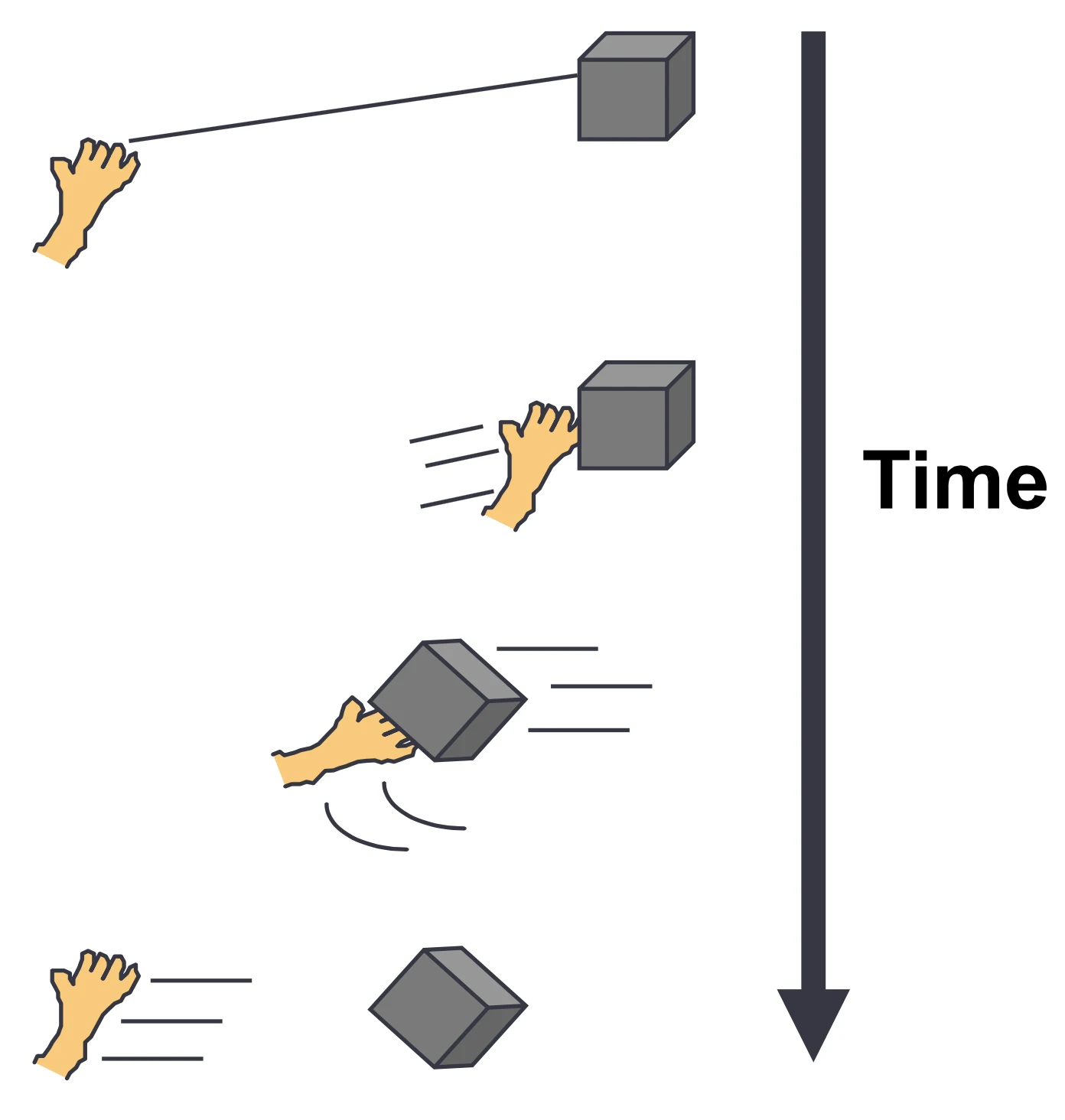
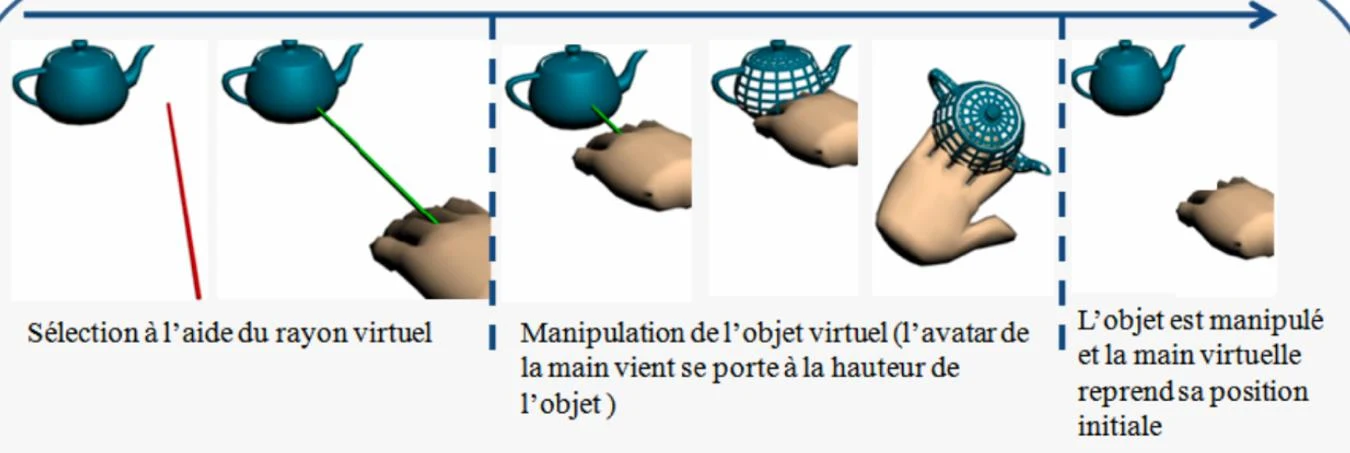
HOMER: a sequence linking distant selection and hand control
6 / 3D interaction6.3 Manipulation

HOMER

Select with a ray

Reach a distant target

Manipulate with the hand

A scaled hand-centred mapping

Release

End the control relation

Hand-Centered Object Manipulation Extending Ray-Casting
6 / 3D interaction6.3 Manipulation

Egocentric and exocentric control

Egocentric

Act from the participant’s viewpoint

Exocentric

Act through an external representation

Change of scale

Make an object or world accessible

Interaction through different spatial viewpoints
6 / 3D interaction6.3 Manipulation

Bimanual manipulation

Non-dominant hand

An anchor or reference frame

Dominant hand

A more precise action within that frame

Two-hand relation

Distance and orientation can control scale

6 / 3D interaction6.3 Manipulation

Constraints and assistance

Axes and planes

Reduce unwanted motion

Snapping

Align to meaningful targets

Precision modes

Change gain or separate adjustments

6 / 3D interactionPart 4 of 5

6.4

Modalities and physical supports

6 / 3D interaction6.4 Modalities and physical supports

Multimodal interaction

Pointing

Indicates a spatial candidate

Speech

Expresses an action or parameter

Combination

Resolve what and where together

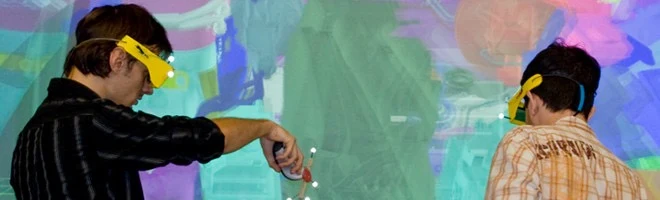
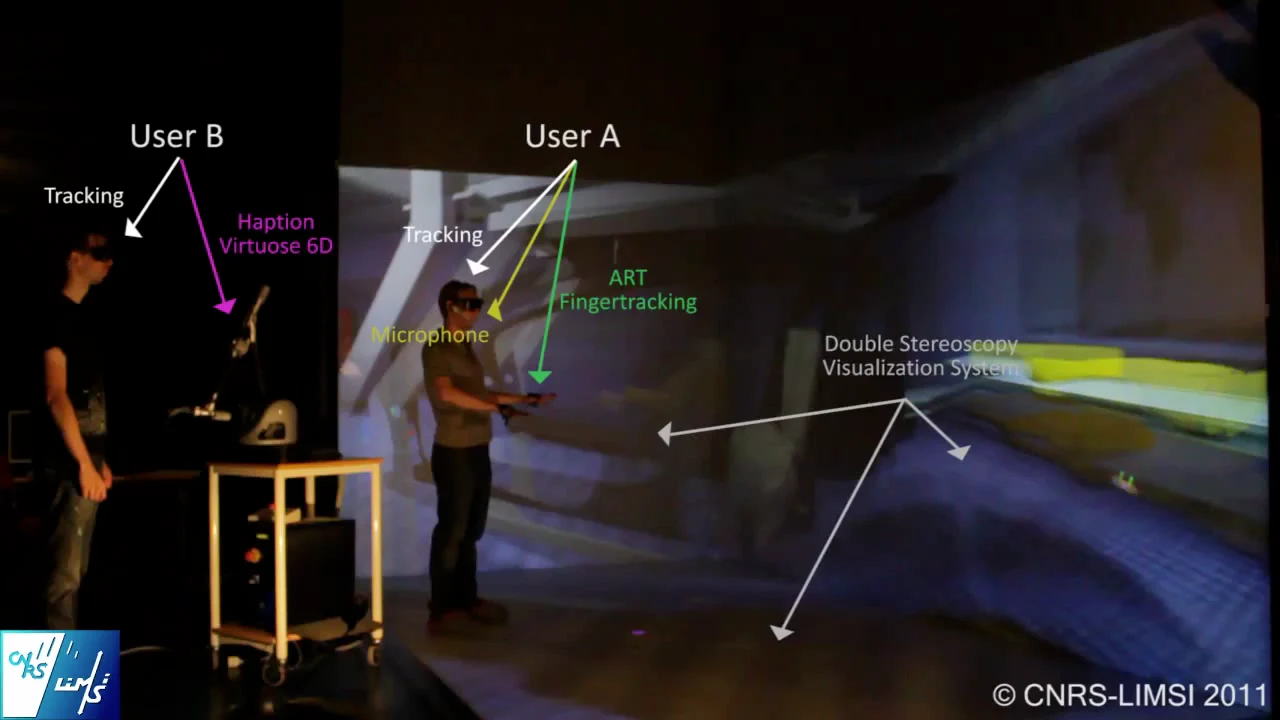
Multimodal interaction in a shared virtual environment
6 / 3D interaction6.4 Modalities and physical supports

Multimodal interaction: source recording

6 / 3D interaction6.4 Modalities and physical supports

Tangible interfaces

Physical form

Suggests use and constrains movement

Passive feedback

A surface can support the hands

Registration

Physical and virtual objects must align

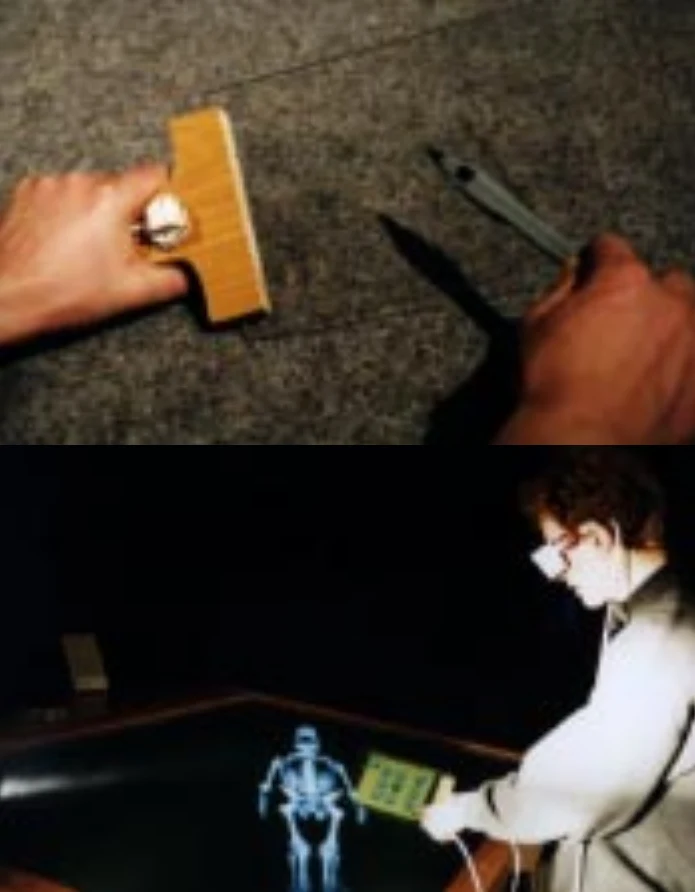
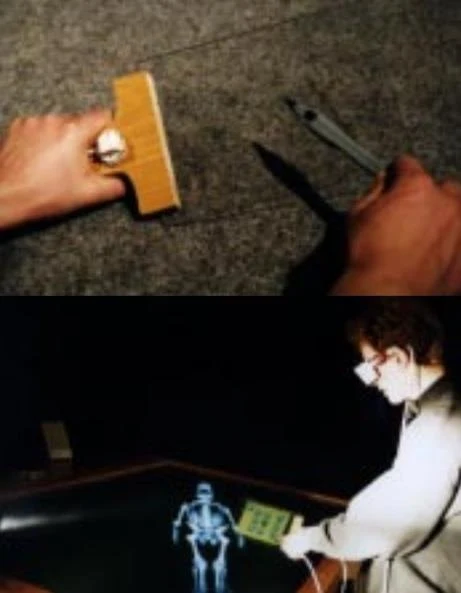
A dedicated tangible controller
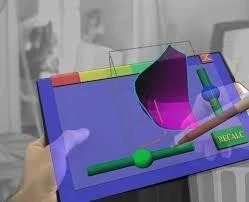
Physical props for 3D manipulation
6 / 3D interactionPart 5 of 5

6.5

Control and evaluation

6 / 3D interaction6.5 Control and evaluation

Application control

Application state

Pause, restart and exit

Tools and modes

Change what input means

Parameters

Adjust rendering or task settings

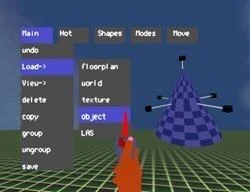
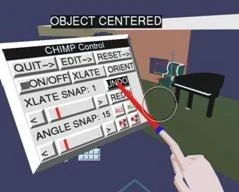
Menus and widgets for application control
6 / 3D interaction6.5 Control and evaluation

Interface placement

World-fixed

Part of the environment

Body-relative

Follows the hand, wrist or participant

View-relative

Remains in the field of view

Spatial and contextual interface placement
6 / 3D interaction6.5 Control and evaluation

Usability and user experience

Effectiveness

Can the goal be achieved?

Efficiency

At what time and effort cost?

Satisfaction

How does use feel?

Broader experience

Emotion, aesthetics and presence

6 / 3D interaction6.5 Control and evaluation

Comparing interaction techniques

DimensionPossible observations
PerformanceCompletion time, errors, placement precision
EffortReach, sustained arm elevation, fatigue
LearningDiscoverability and improvement with practice
ExperiencePerceived control and satisfaction
6 / 3D interaction6.5 Control and evaluation

Interaction design review

A distant small target
A precise object rotation
A repeated action at shoulder height
A shared object controlled by two people
6 / 3D interaction6.5 Control and evaluation

Sources and further reading

C. Fleury, 3D interaction (2025–26)
FILA3, 3D interaction
C. Fleury, 3D navigation (2025–26)